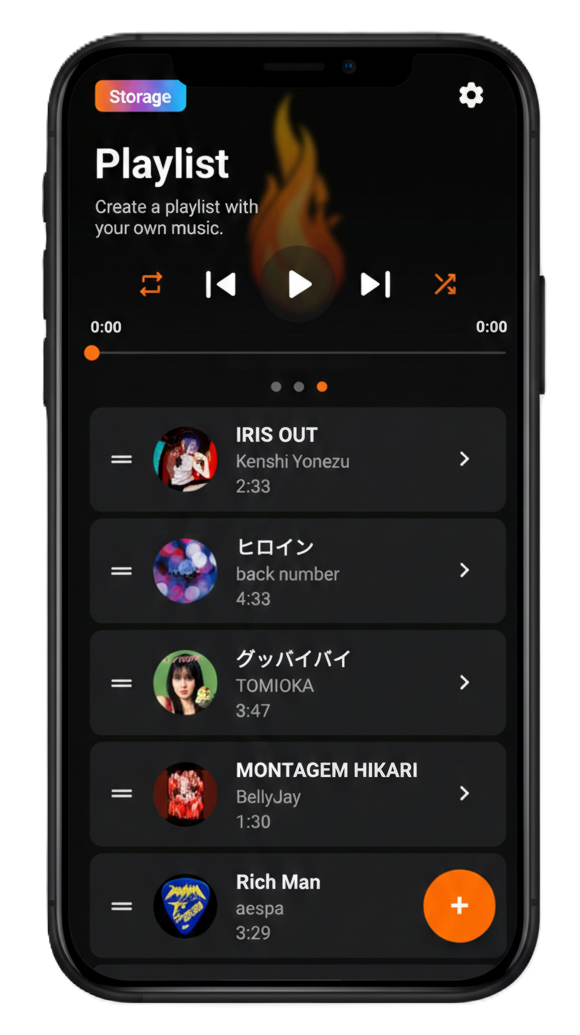
Stream and download the latest YouTube Top 100 chart in real-time. Experience high-quality audio and seamless playback.
iMusic is distributed outside the Play Store, so a one-time setting is required for it to appear on your car screen.
Open Android Auto in your phone's Settings app.
Scroll to the bottom and tap "Version and permission info" 10 times to enable developer mode.
Tap the ⋮ menu (top right) → Developer settings → turn on "Unknown sources".
Connect your phone to the car and select iMusic from the app list.
Keep track of the latest changes and improvements.